
/ 01
MIS
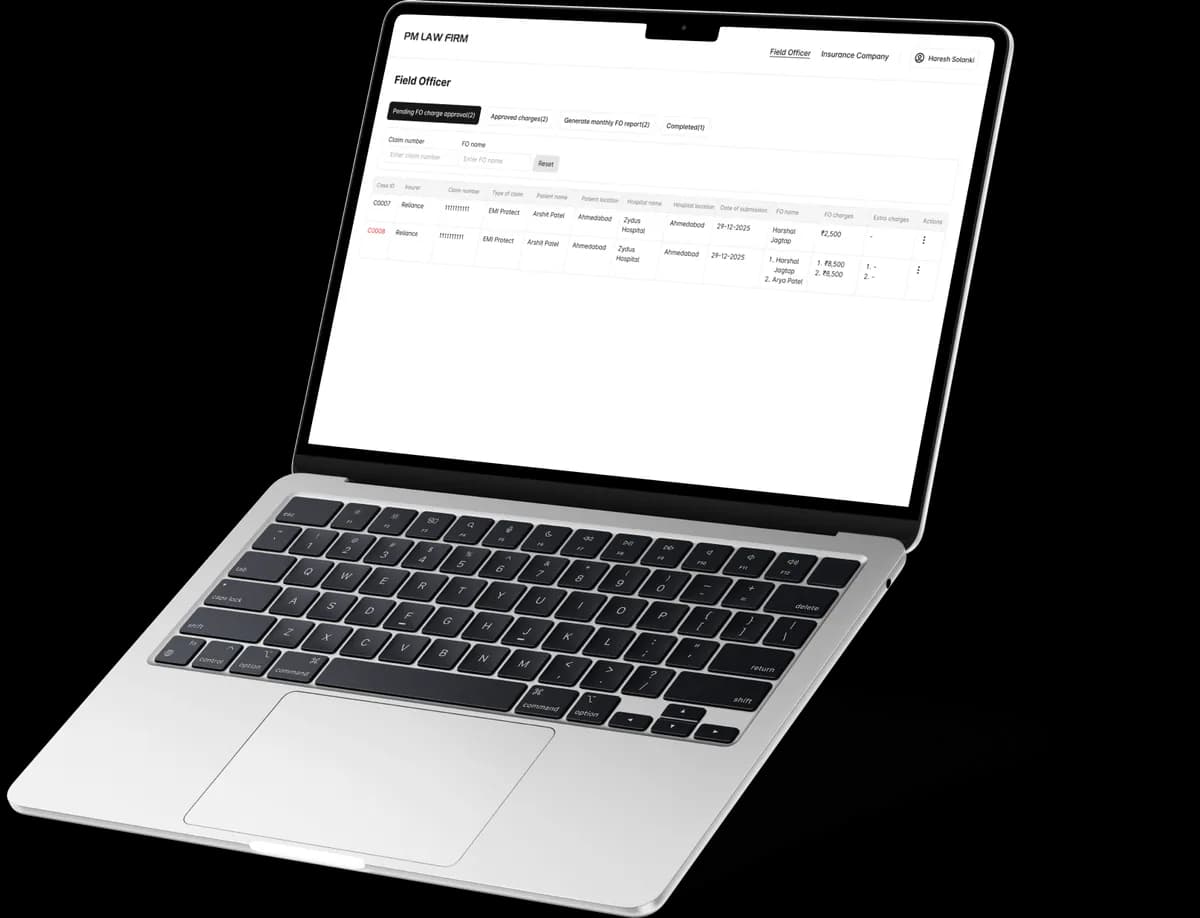
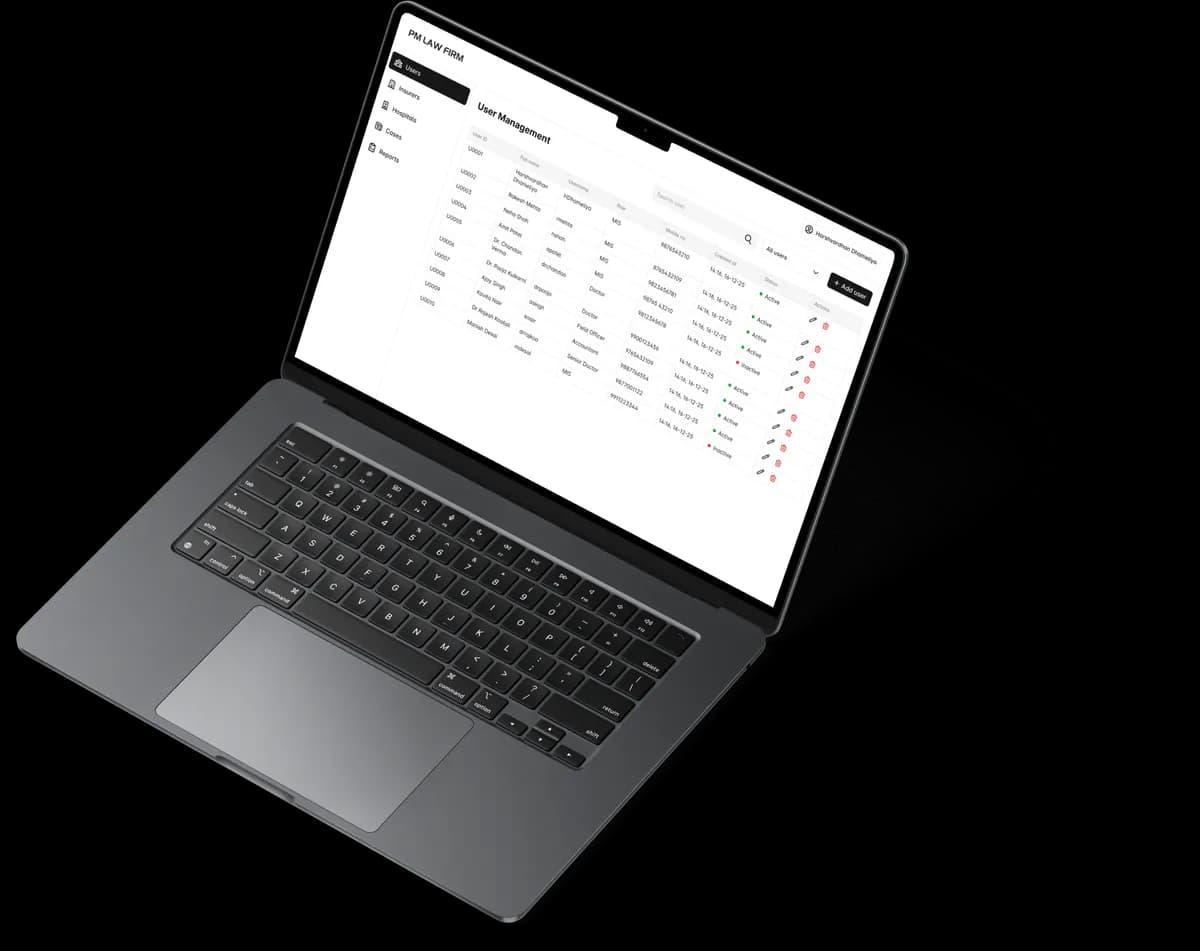
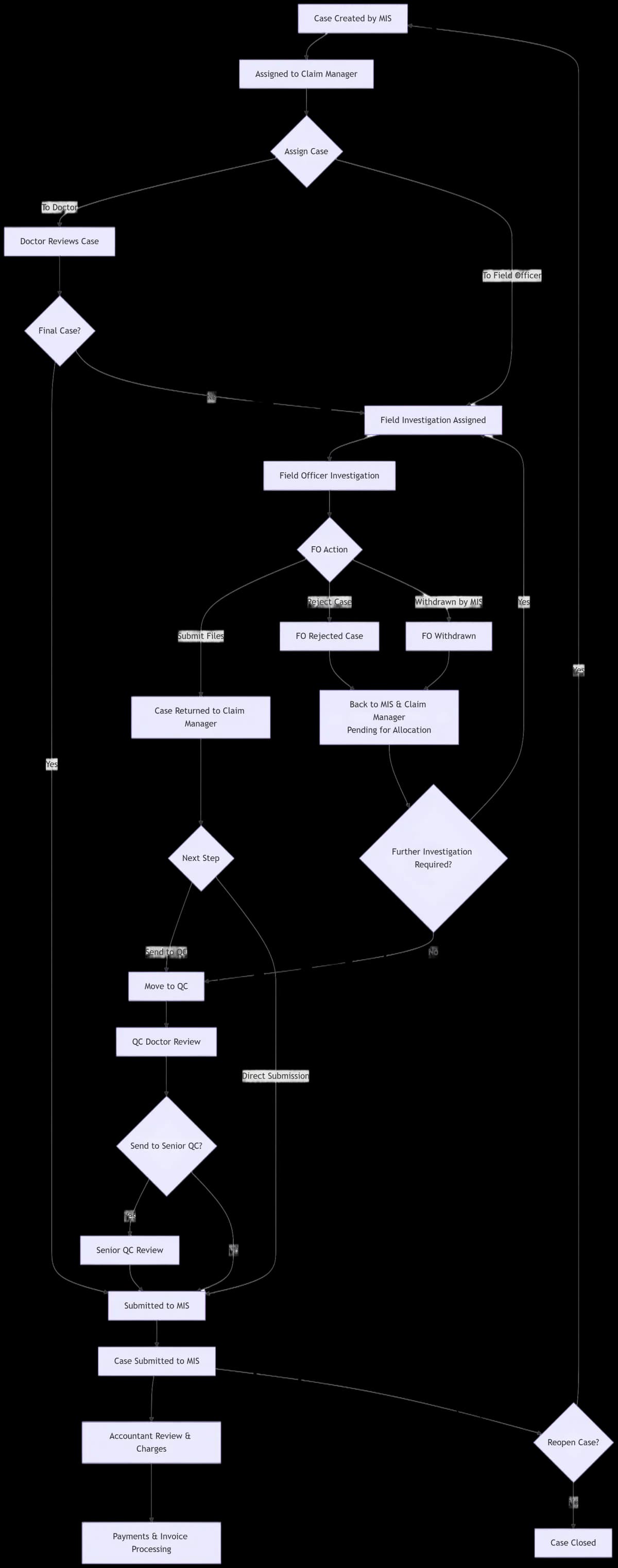
MIS acts as the control center, managing case creation, allocation, and overall workflow.
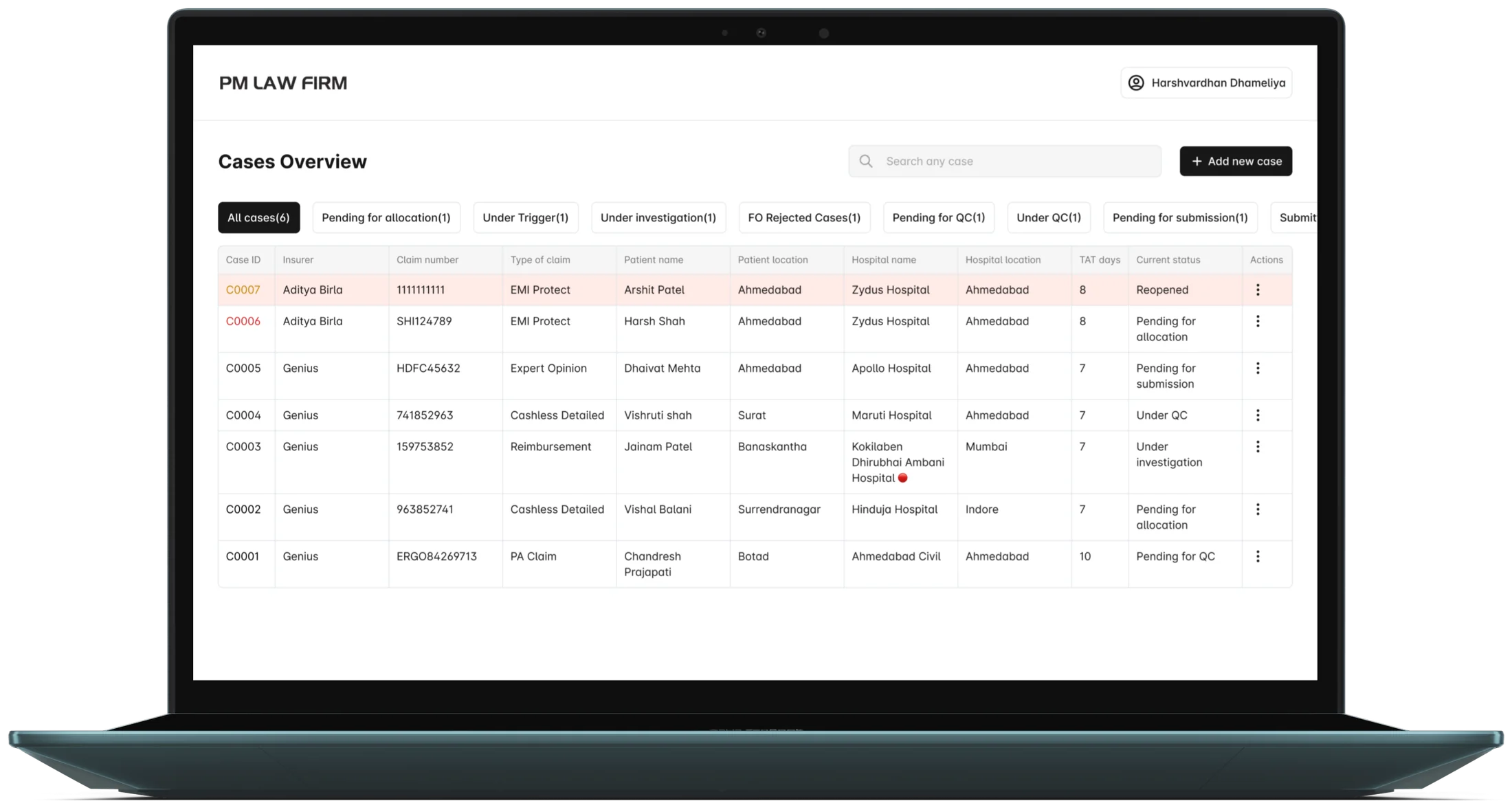
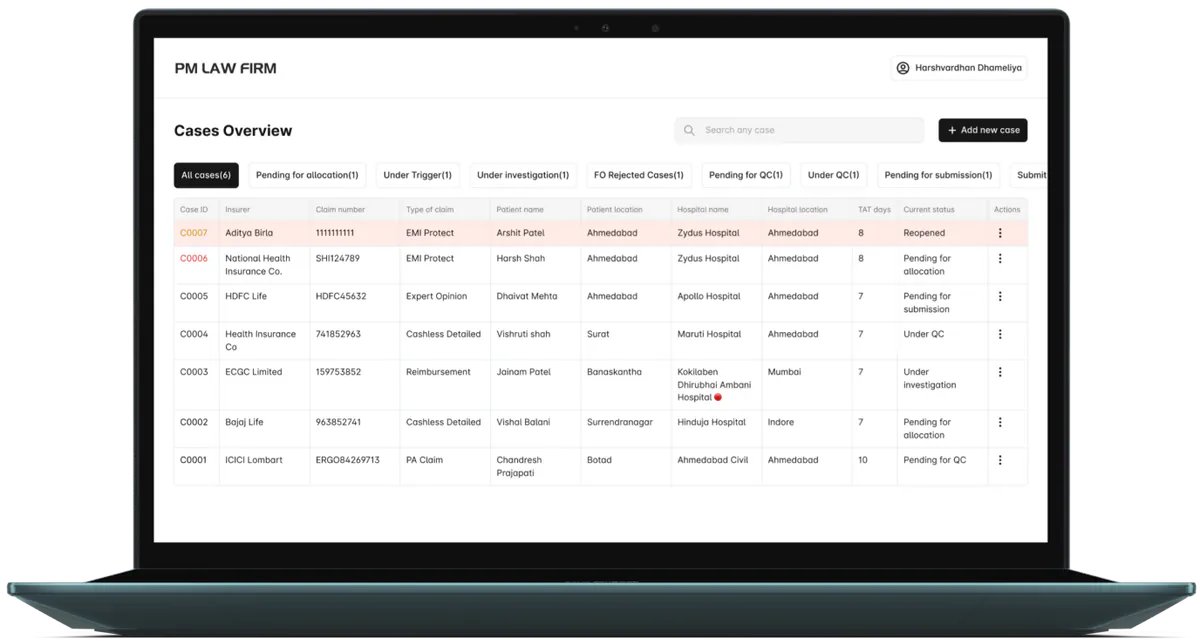
Dashboard
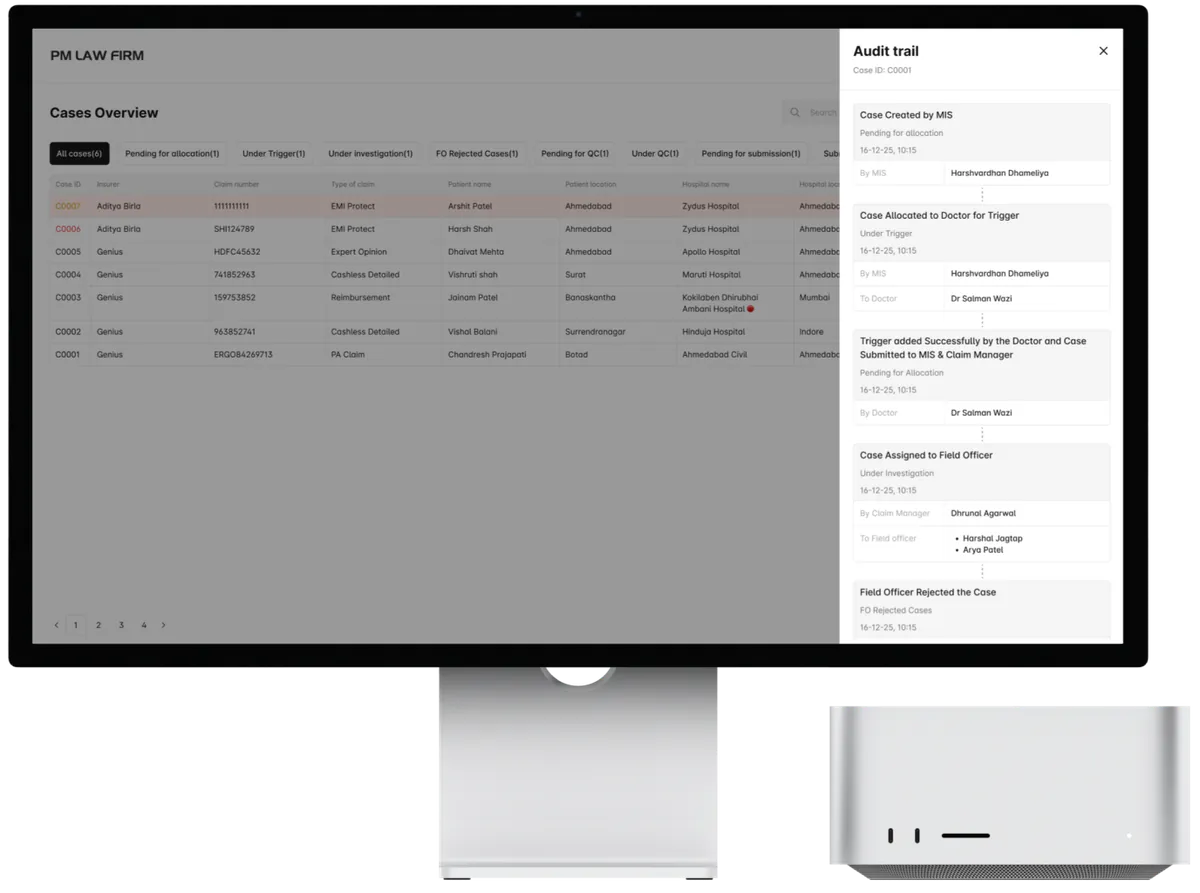
The MIS dashboard gives a unified overview of all active and pending cases, allowing supervisors to monitor status, filter by stage, and prioritise work at a glance.
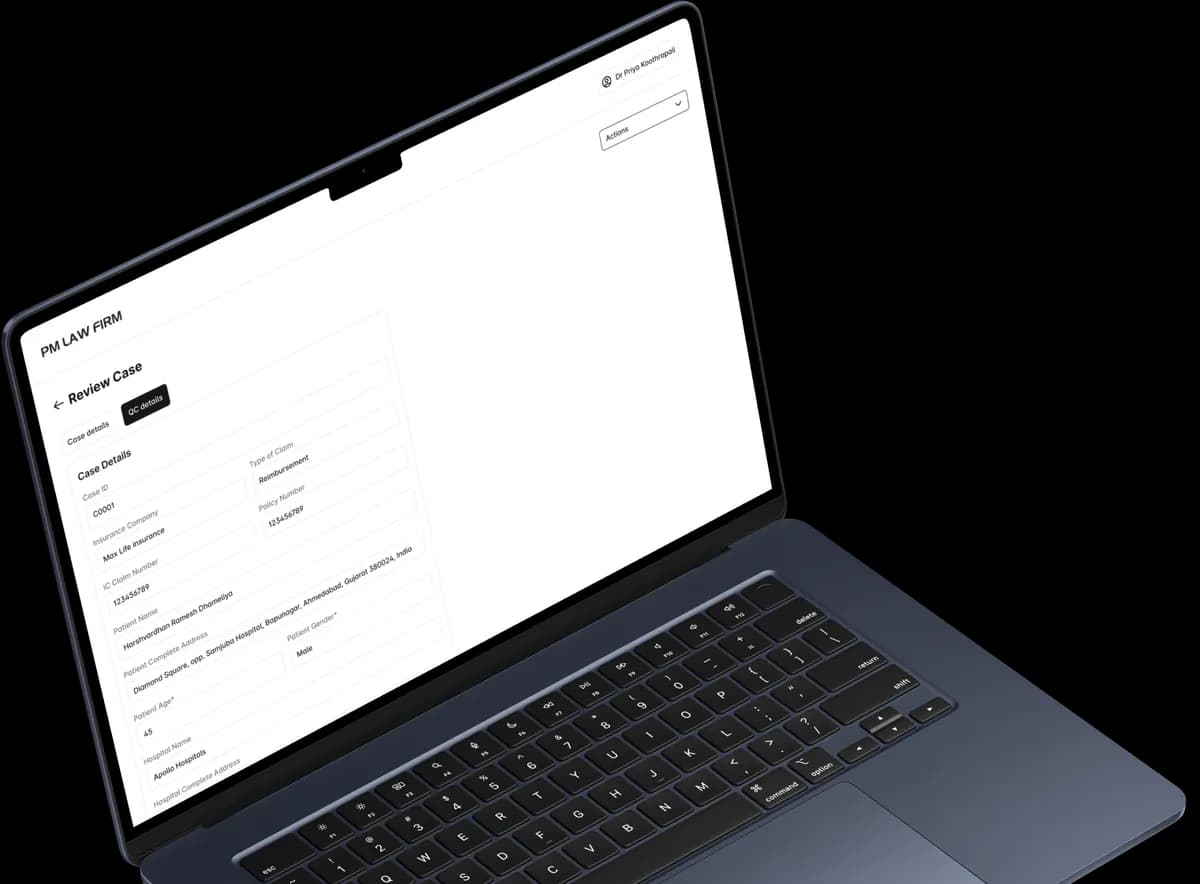
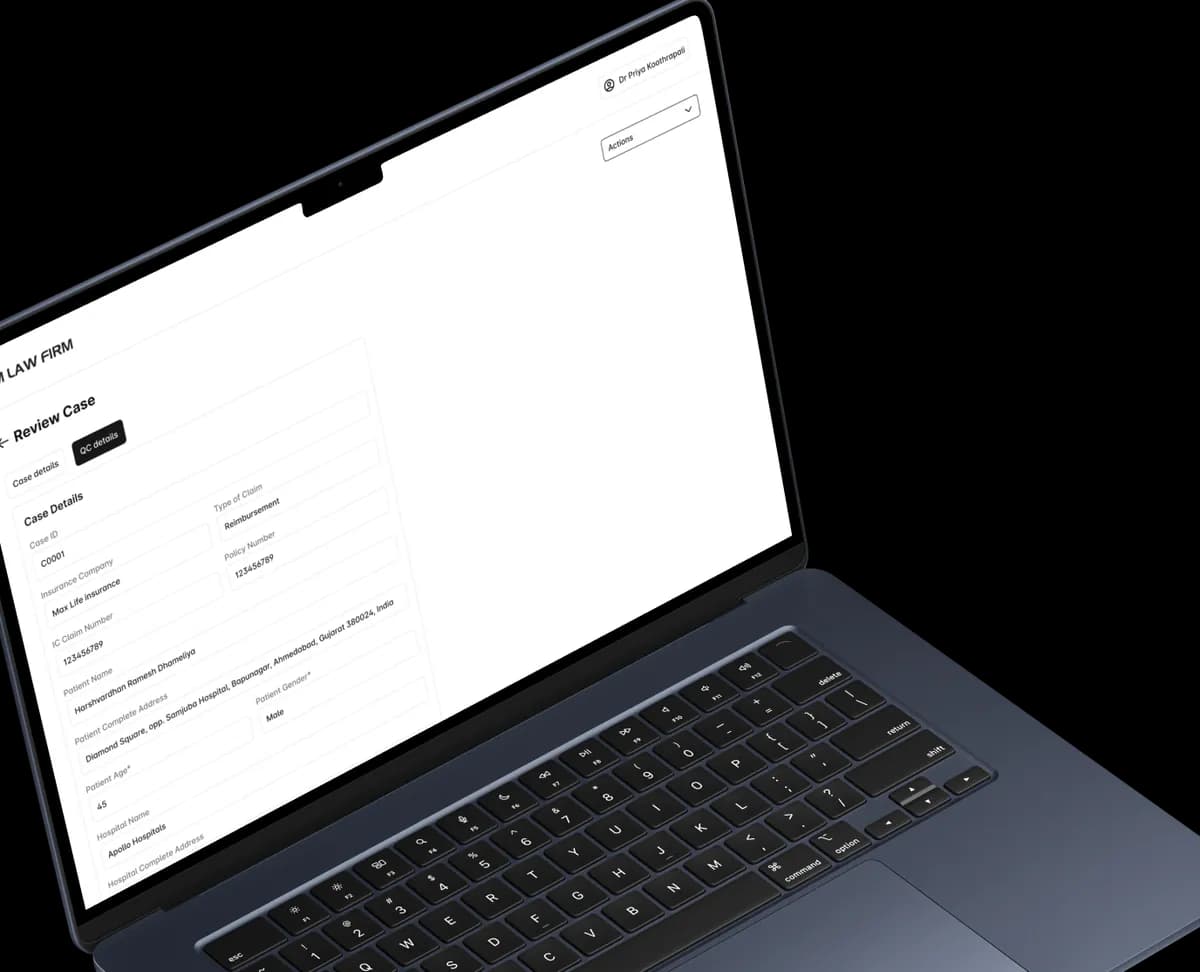
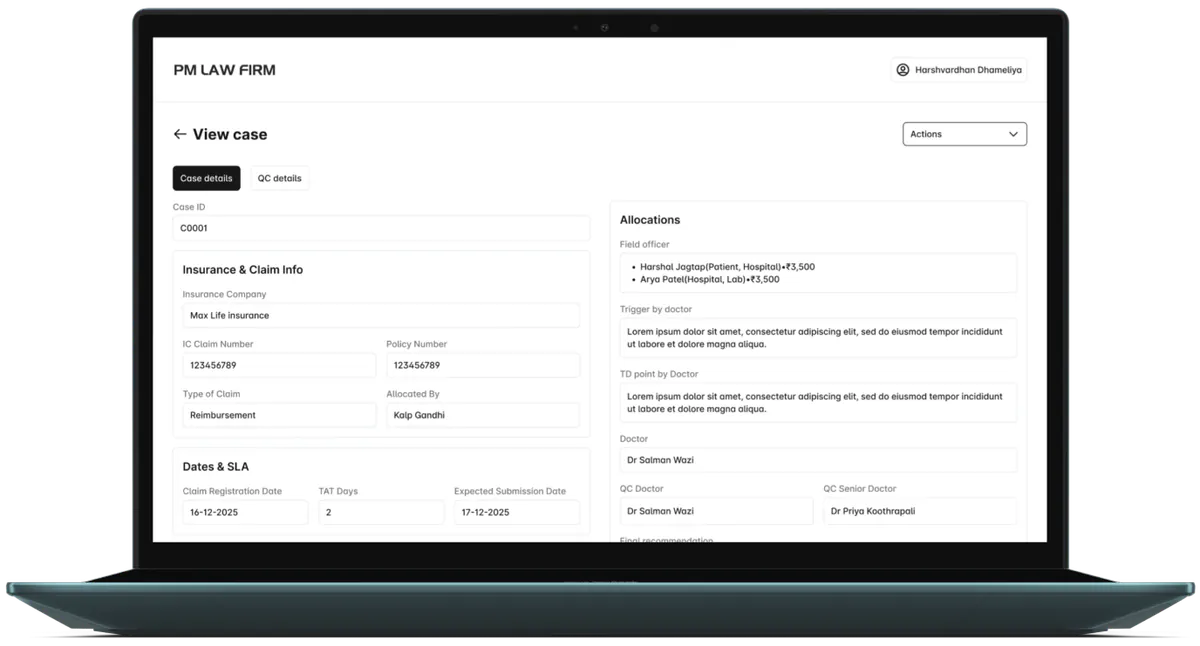
View Case
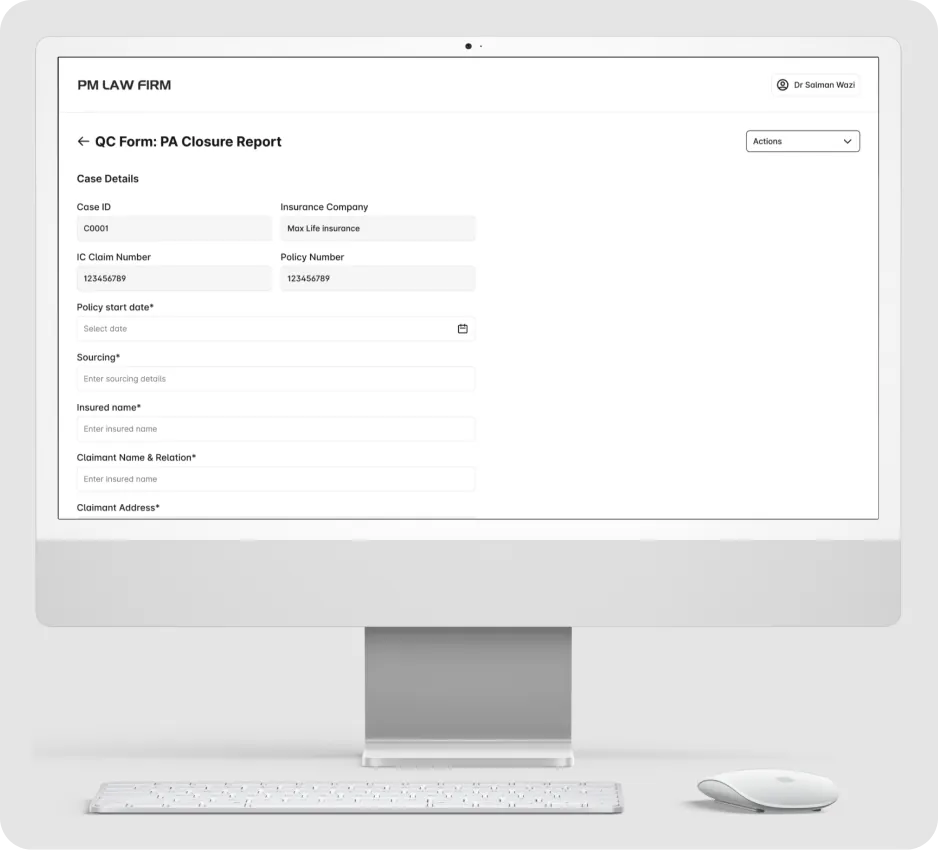
The case detail view consolidates investigation data, timelines, and assigned roles in a single screen, making it easy to understand case context and next actions.
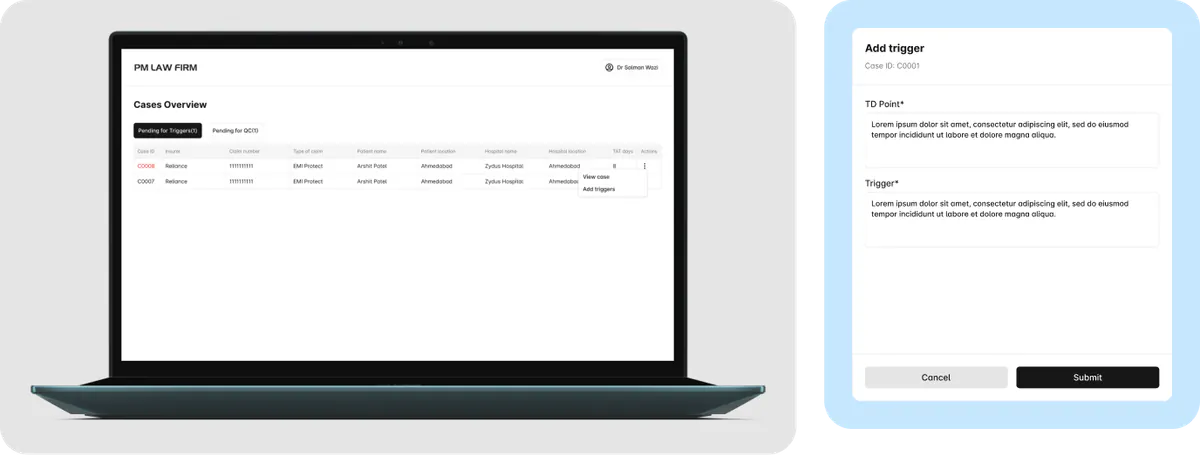
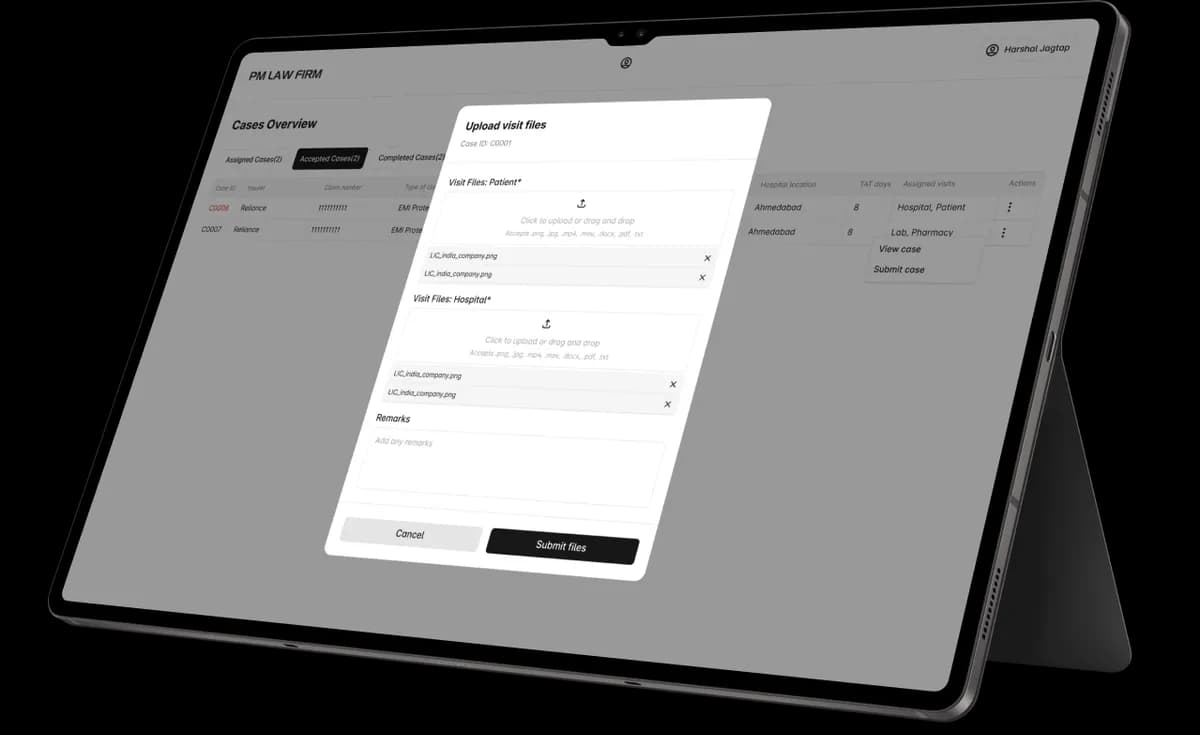
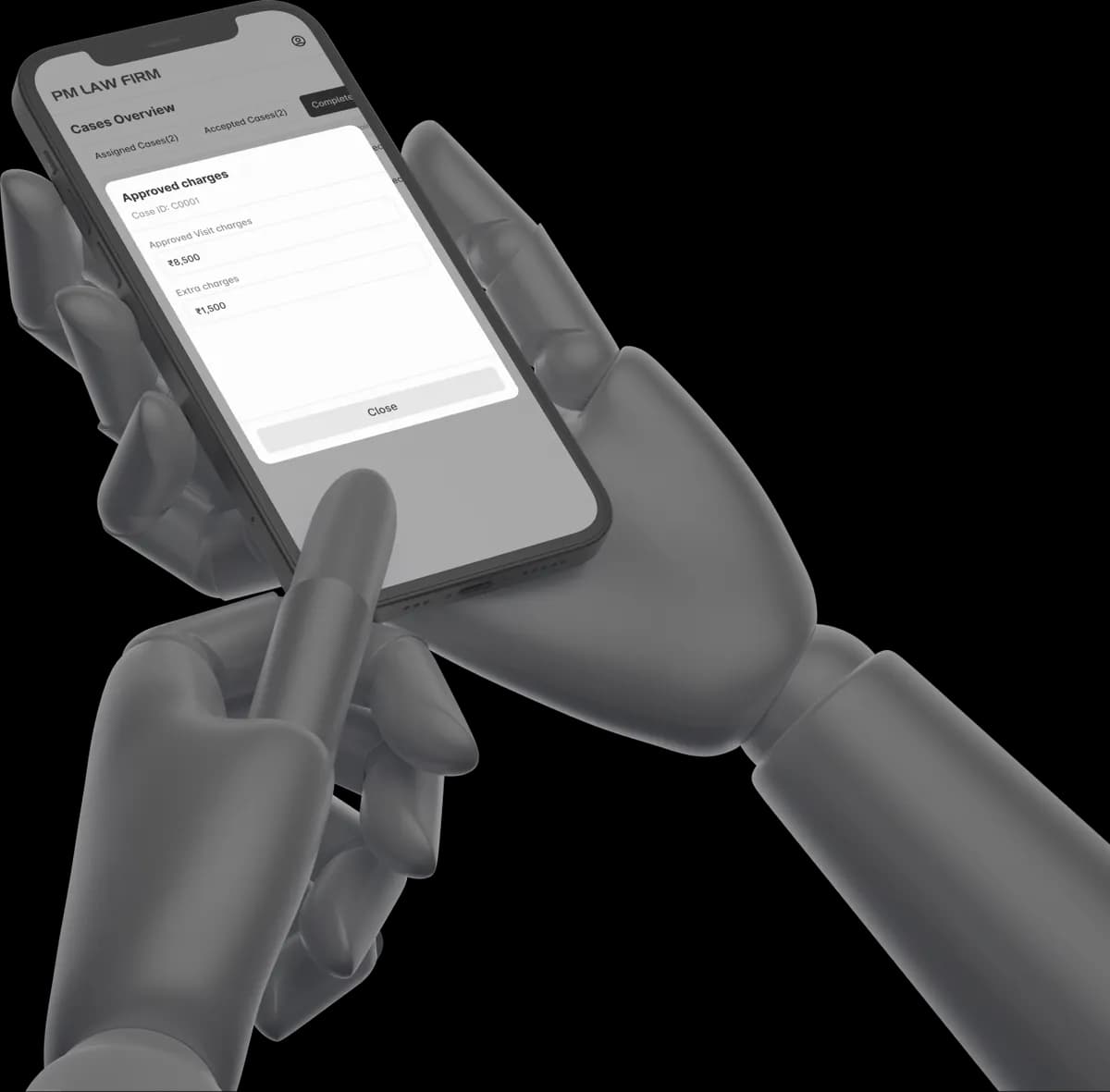
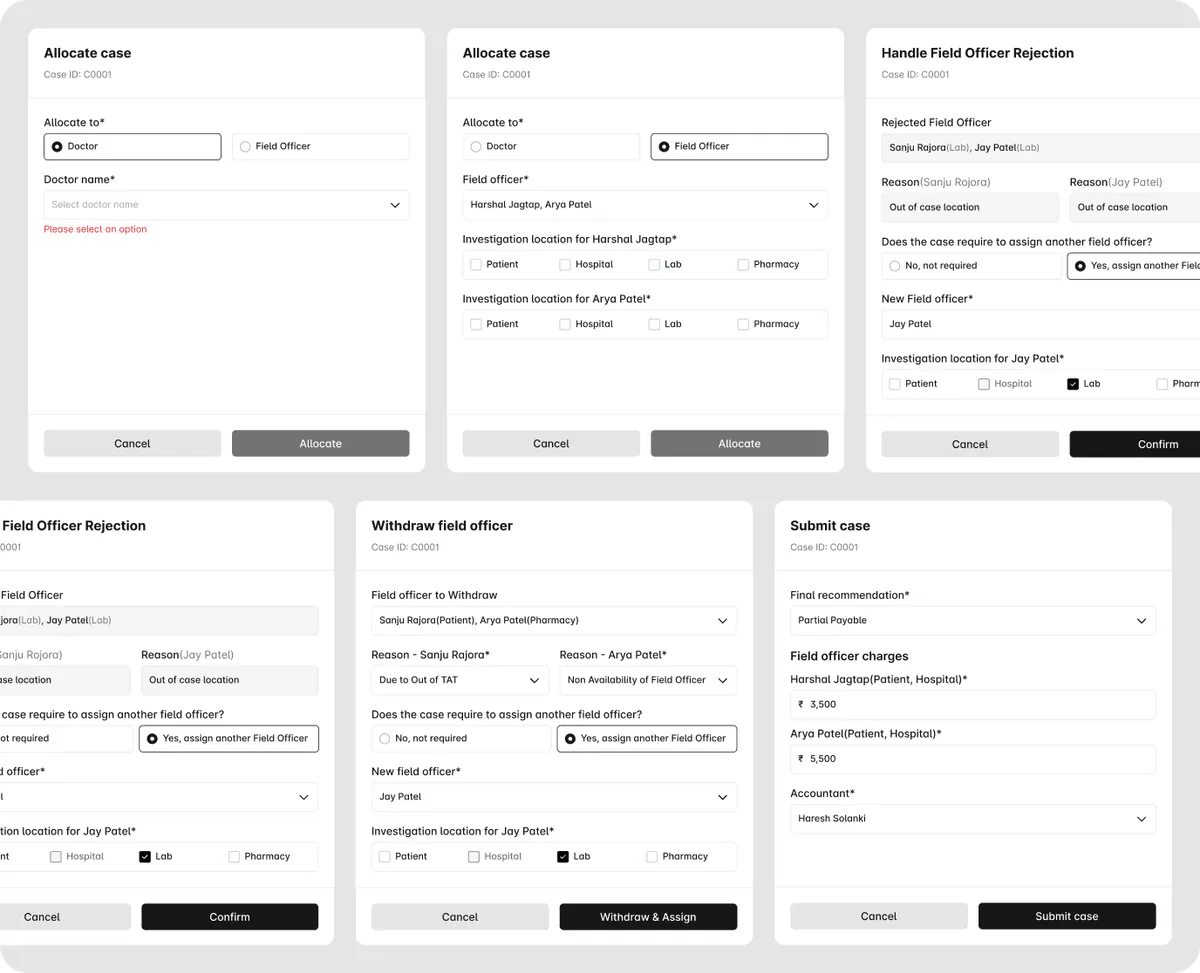
Modal-Driven Interactions
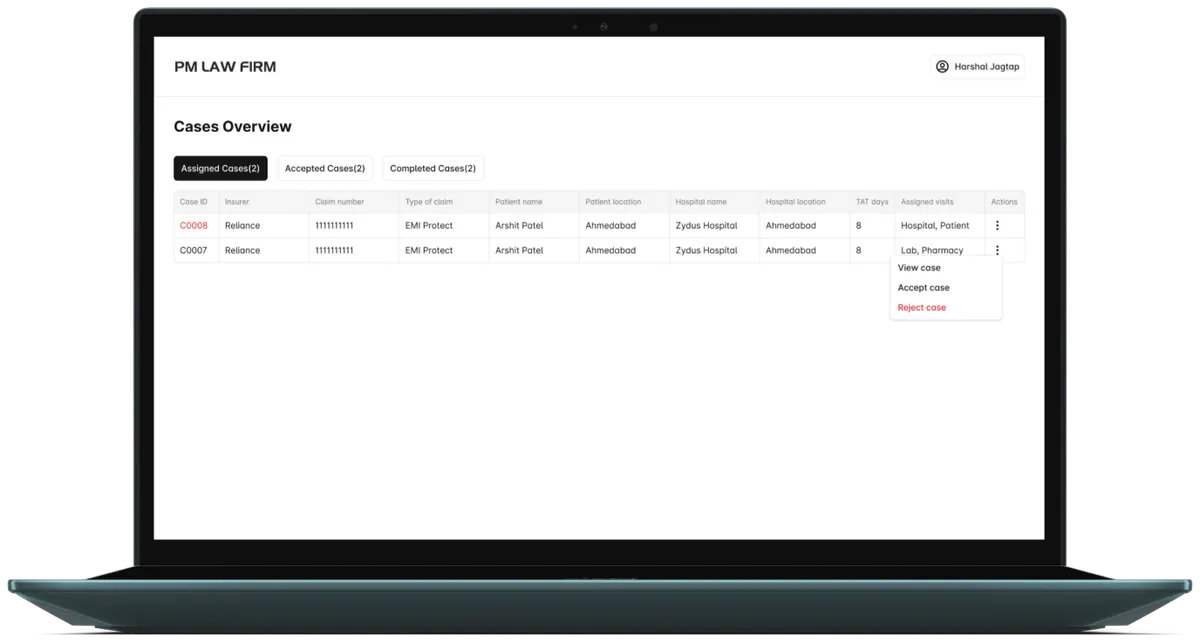
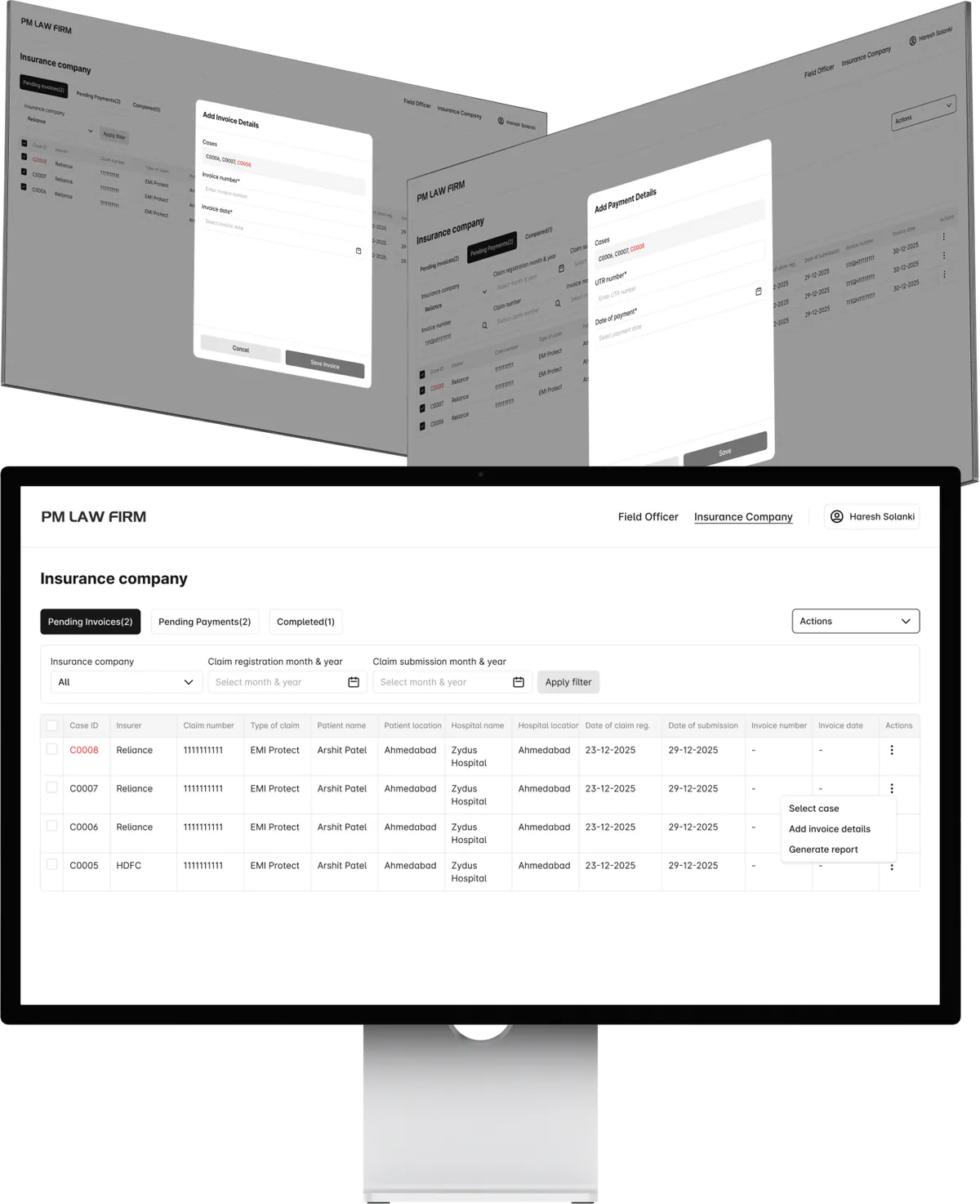
To maintain workflow continuity and reduce navigation friction, key actions such as allocation, rejection handling, and reassignment are designed as contextual popups. This approach allows users to perform critical tasks without leaving the current screen, ensuring faster decision-making and minimal disruption.
Audit Trail
The audit trail provides a chronological view of all case activities, enabling users to track actions, assignments, and status changes with complete transparency. Each activity is logged with role attribution, timestamps, and status updates, allowing users to trace the full history of a case without ambiguity.